
Hardware
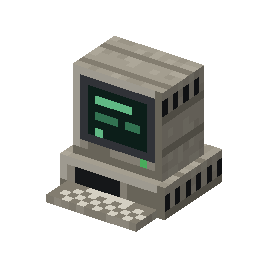 Programmable Computer
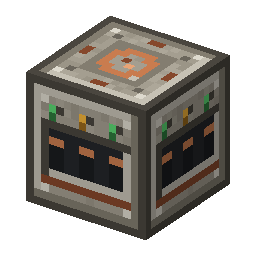 Network Repeater
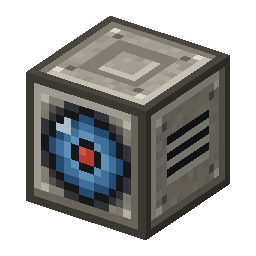 Entity Detector
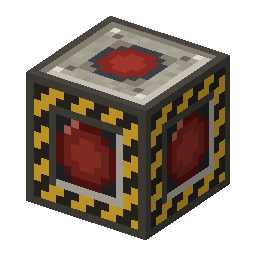 Alarm Module
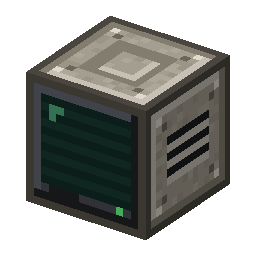 Display Module
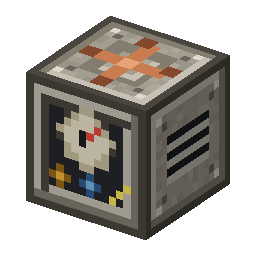 Weather Station
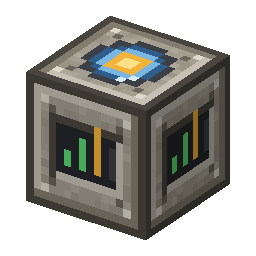 Environment Sensor
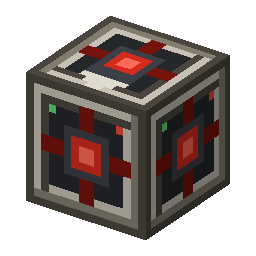 Redstone Controller
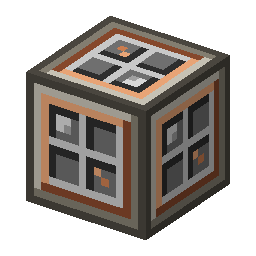 Inventory Module
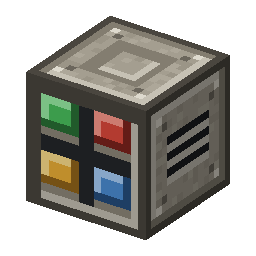 Control Panel
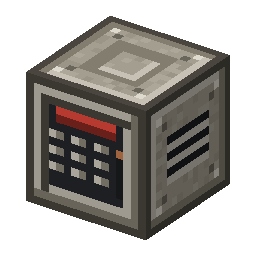 Access Controller
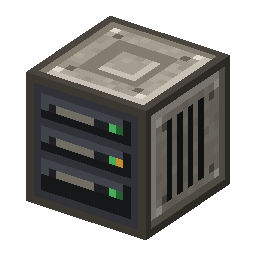 Storage Server
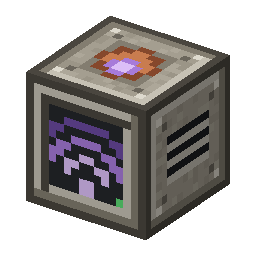 Wireless Network Bridge
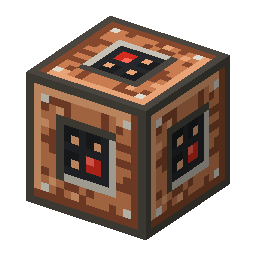 Network Interface
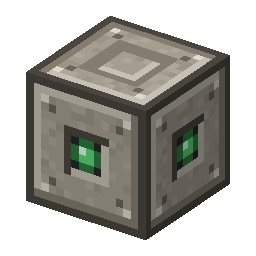 Sensor
At a glance
Section titled “At a glance”| Block | What it does | Relays links | Runs a drive program |
|---|---|---|---|
| Programmable Computer | Runs your main program and edits drives. | no (needs a relay) | its own program |
| Network Repeater | Connects the computer to devices. | yes | no |
| Entity Detector | Sees players, mobs and items nearby. | no | yes |
| Weather Station | Reads weather and the time of day. | no | yes |
| Environment Sensor | Measures light, sky and biome above it. | no | yes |
| Redstone Controller | Reads and sends redstone on six sides. | no | yes |
| Inventory Module | Reads and moves items in nearby chests. | no | yes |
| Display Module | Shows text on its screen. | no | yes |
| Alarm Module | Plays a warning sound and glows. | no | yes |
| Control Panel | Four buttons for players to press. | no | yes |
| Access Controller | Opens a door for allowed players. | no | yes |
| Storage Server | Shared storage for the whole network. | no | no |
| Wireless Network Bridge | Joins two areas up to 256 blocks apart. | yes | no |
| Network Interface | Older relay with redstone ports and chest faces. | yes | no |
| Sensor | Older player sensor. | no | no |
Items: the Programmable Data Drive holds programs for devices, and the Linking Tool connects blocks.
Every device has
Section titled “Every device has”- A form. Right-click with an empty hand. It shows the device’s name, network status and readings, and the
device’s settings. The
?button opens the device’s page here. The Access Controller opens its form when you sneak. - A name for programs, set in the form.
- An owner, the player who placed it, and the access list of its network.
- Common properties in programs:
name,id,kindandconnected, and the eventsconnectedanddisconnected.
Visuals
Section titled “Visuals”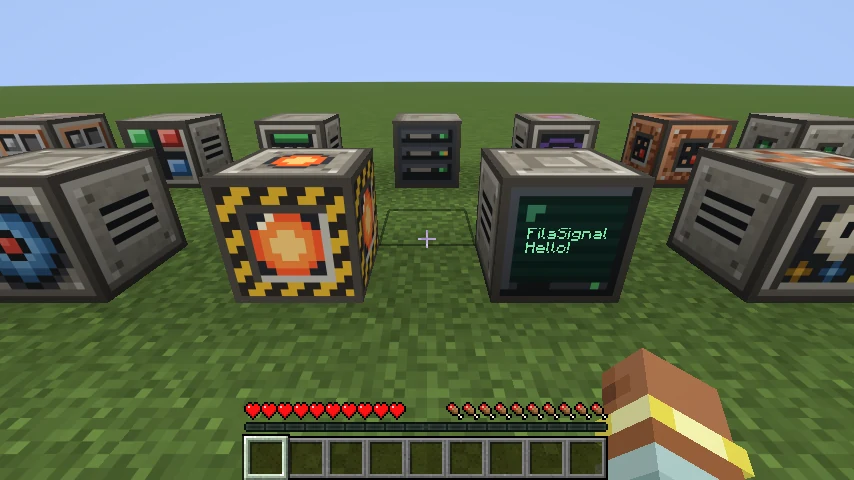
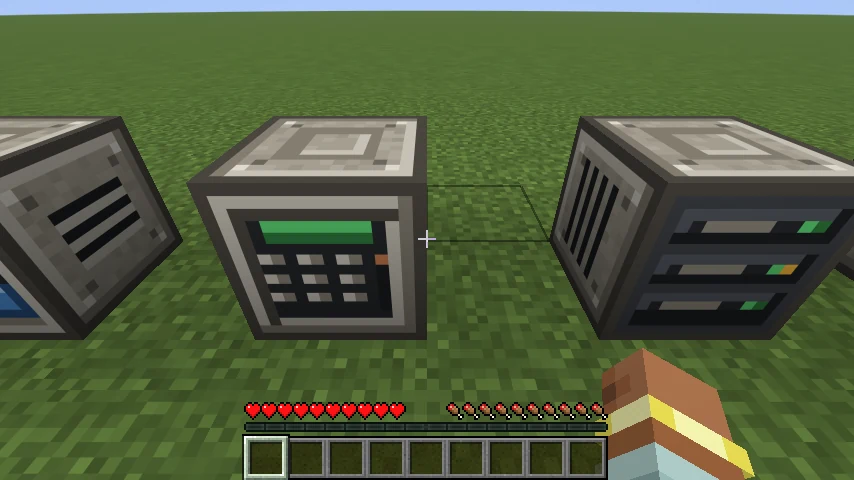
Blocks with a front face the player who placed them. Some blocks show their state: the computer’s screen shows whether its program runs, the Alarm Module glows while sounding, the Access Controller’s light turns green while open and the Display Module shows its text. Pictures captioned as asset renders are drawn from the block models outside the game; pictures captioned as in-game screenshots were taken in Minecraft by the mod’s automated client test.